Home robot privacy is not a vague vibe check. Before you say yes to a companion robot for an aging parent, you need clear answers on four things: what sensors are on, what data leaves the home, who can watch or listen (family, support staff, or vendors), and how your parent can pause or refuse any of it.
Families want safer aging in place. Parents want dignity. Those goals collide when a device with cameras and microphones moves into the living room. AARP's research on adults 50-plus keeps finding the same pattern: people like helpful home tech, and data privacy is still one of the biggest reasons they hesitate (AARP 2025 Tech Trends and Adults 50-Plus, retrieved 2026-09-15). This guide turns that hesitation into a practical checklist you can use with vendors, siblings, and your parent before any robot ships.
Key Takeaways
- Ask "what can it sense?" before "what can it do?" Cameras, mics, maps, and health-adjacent logs are the real privacy surface, not the marketing slogan.
- Consent belongs to the person who lives there. Adult children can research and pay. The parent still needs a clear yes, an off switch, and room for "no cameras in the bedroom."
- Know who can watch. Family accounts, remote support sessions, cloud vendors, and AI training are different access paths. Ask for each one in plain English.
- Security basics still matter. Change defaults, update firmware, use strong unique passwords, and turn off features you do not need (CISA on securing IoT).
- A privacy-first robot is still a care tool, not a spy. Pair it with human care, not secret monitoring. See do home care robots replace caregivers.
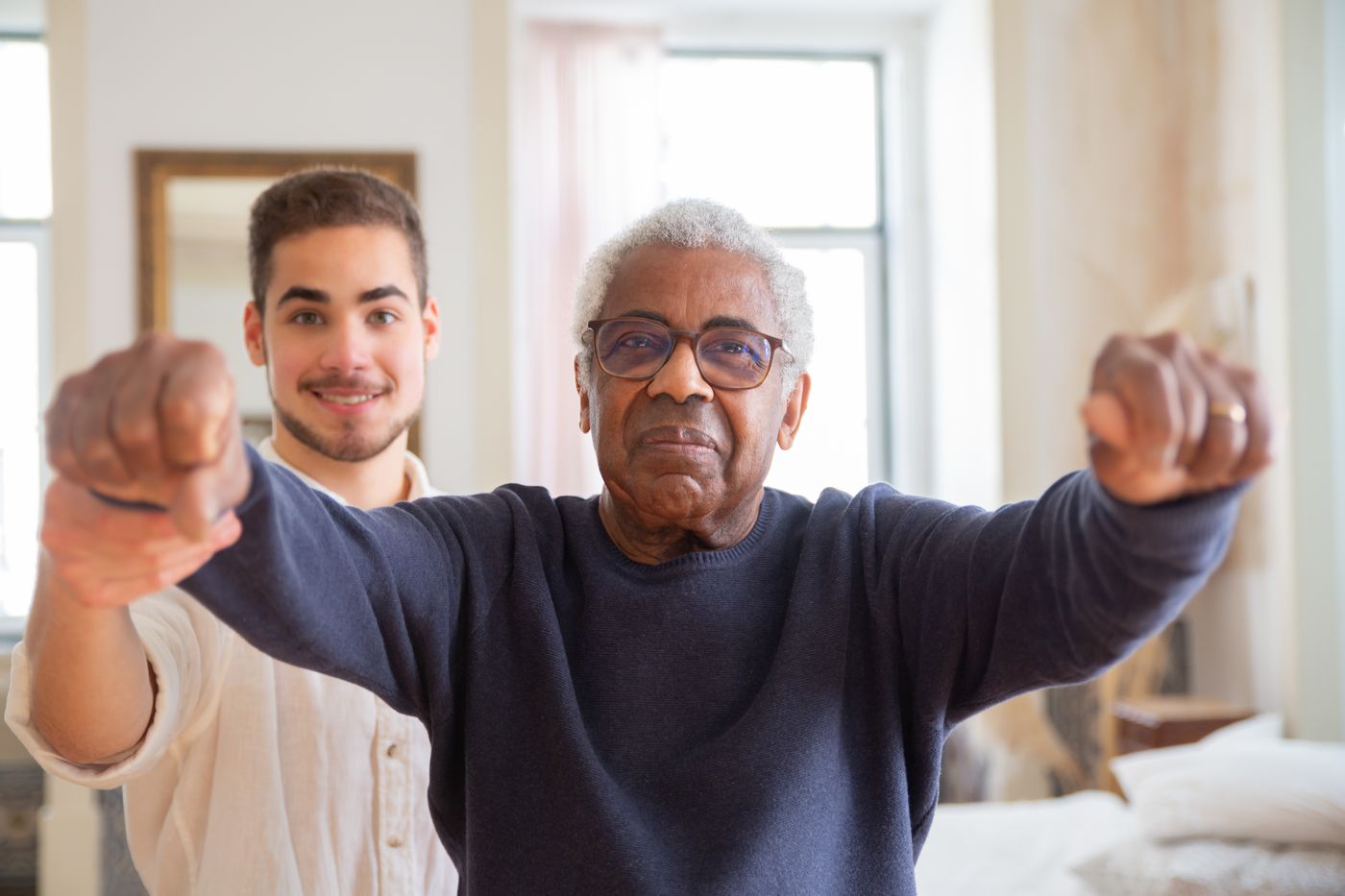
*Photo: Kampus Production / Pexels (free to use).*
Why home robot privacy matters more for aging parents in 2026
Older adults are already bringing connected devices home. Privacy is the brake pedal.
In AARP's 2025 Tech Trends research, 63% of adults 50-plus use one or more smart home devices, and about 46% use home safety tech such as alarms or cameras that offer peace of mind (AARP 2025 Tech Trends). The same research stream finds data privacy at the top of adoption barriers. AARP's public summary puts it plainly: concern over data privacy is the biggest barrier for about one-third of older Americans polled (AARP overview).
Age raises the stakes. In AARP's age-difference brief, 63% of adults in their 60s and 65% in their 70s say data privacy stresses them when buying tech. Among those 60 and older, roughly three in four hesitate because they worry someone could steal passwords or personal information (76% to 78% depending on age band) (AARP age differences brief).
A home care robot sits in a tougher category than a smart bulb. It may see faces, hear conversations, map rooms, and sit near medicine routines. That is why "we'll figure out privacy later" is a bad plan for families already stretched by caregiving. About 63 million U.S. adults provided ongoing care in the prior year (AARP and NAC, Caregiving in the US 2025). Privacy fights on top of that load burn trust fast.

*Photo: FlyD / Unsplash (free to use under the Unsplash License).*
Myth: a home robot means someone is always watching
False. Risk depends on sensors, defaults, remote access, and who holds the account keys.
The myth comes from two places: sci-fi surveillance, and real stories of poorly secured cameras left on default passwords. Neither means every companion robot is a live feed to strangers. It also does not mean every "AI companion" is private by default.
Treat privacy as a product feature set, the same way you would for a medical alert or an indoor camera:
| Question | Low-risk pattern | High-risk pattern |
|---|---|---|
| Sensors | Physical mic/camera mute; clear status lights | Always-on capture with no hardware off switch |
| Processing | On-device for wake words and basic vision when possible | Raw video/audio uploaded by default |
| Remote access | Off unless parent approves each session | Always-on teleoperation or silent remote viewing |
| Family accounts | Named logins, least privilege, audit log | Shared password, everyone sees everything |
| Training data | Opt-in, deletable, clearly labeled | Opt-out buried, retained indefinitely |
For how companion robots differ from speakers and alerts, see Alexa vs home care robot for seniors and what an AI companion robot is.
*Photo: Pixabay / Pexels (free to use).*
What a home robot can collect (and why families should inventory it)
Start with a sensor inventory, not a feature brochure.
Most privacy surprises come from underestimating the stack. Ask the vendor for a plain list of:
- Cameras and depth sensors: still frames, video clips, face recognition, obstacle photos.
- Microphones: wake-word audio, full transcripts, continuous listening windows.
- Maps and spatial data: floor plans, room labels, "no-go" zones, furniture layouts.
- Activity and health-adjacent logs: check-in times, missed responses, movement patterns, optional vitals if the product supports them.
- Account and device telemetry: Wi-Fi details, crash logs, app usage, support chat history.
The Federal Trade Commission has long urged connected-device makers to practice security by design, data minimization (collect and keep less), and notice and choice when uses go beyond what people reasonably expect (FTC IoT staff report summary). Those principles still map cleanly onto home robots in 2026: if a feature does not need raw bedroom video, do not collect it.
Also ask what still works offline. A robot that collapses without cloud video is a different privacy bargain than one that can remind, chat locally, and escalate only when you allow a connection.

*Photo: John Schnobrich / Unsplash (Unsplash License).*
Who can watch, listen, or read the logs?
"Family peace of mind" and "vendor access" are not the same permission.
Write down every path that can reach home data:
- Household users: the parent, a spouse, adult children with caregiver roles.
- Remote family viewers: live video, event clips, or summary alerts for long-distance caregivers (see how to check on aging parents from afar).
- Paid aides and neighbors: people who visit and may appear in frames or audio without wanting to be archived.
- Customer support / "expert mode" operators: humans who may see video, maps, or robot state during a help session.
- Cloud processors and AI trainers: systems that store or learn from clips, transcripts, or maps.
- Third parties: analytics vendors, advertisers (a hard no for care tech), or partners listed in the privacy policy.
Good vendor answers sound specific: remote help is off by default, each session needs approval, operators cannot enter privacy-marked rooms, raw video is retained for a stated number of days, training use is opt-in, and you can export or delete logs. Vague answers like "we take privacy seriously" are not enough.

*Photo: cottonbro studio / Pexels (free to use).*
The home robot privacy checklist: questions to ask before you say yes
Print this list. Ask it on a sales call, then confirm it in writing in the policy and app settings.
A. Sensors and status
- Which cameras, microphones, and mapping sensors does the robot have?
- Is there a hardware mute or shutter that cuts power to mics/cameras (not only a software toggle)?
- Are recording or streaming indicators obvious from across the room?
- Can the parent exclude bedrooms, bathrooms, and other no-go zones?
B. Data leaving the home
- What data is processed on the device vs in the cloud?
- Can map upload, obstacle photos, and audio clips be disabled independently?
- How long are video, audio, transcripts, and maps retained by default?
- Can the household delete data, export it, and close the account cleanly?
C. People and permissions
- Who can view live video or listen to audio, and how are accounts invited?
- Is remote support off by default, and does each session require fresh consent?
- Is there an access log the parent or primary caregiver can review?
- How are guests, aides, and visiting clinicians notified?
D. AI training and secondary use
- Is model-training use opt-in (preferred) or buried opt-out?
- Are health-adjacent or biometric features sold, shared, or used for ads? (Demand a clear no.)
- What happens after a firmware update: do privacy defaults reset?
E. Security baseline
- Are default passwords forced to change on setup?
- Is multi-factor authentication available for the family account?
- How long does the maker promise security updates?
- Can you put the robot on a guest Wi-Fi segment separate from bank and email devices (CISA home network and IoT guidance)?
If a vendor cannot answer most of these without marketing fog, do not buy yet. For product context on Rhem's companion approach, see features and about us.
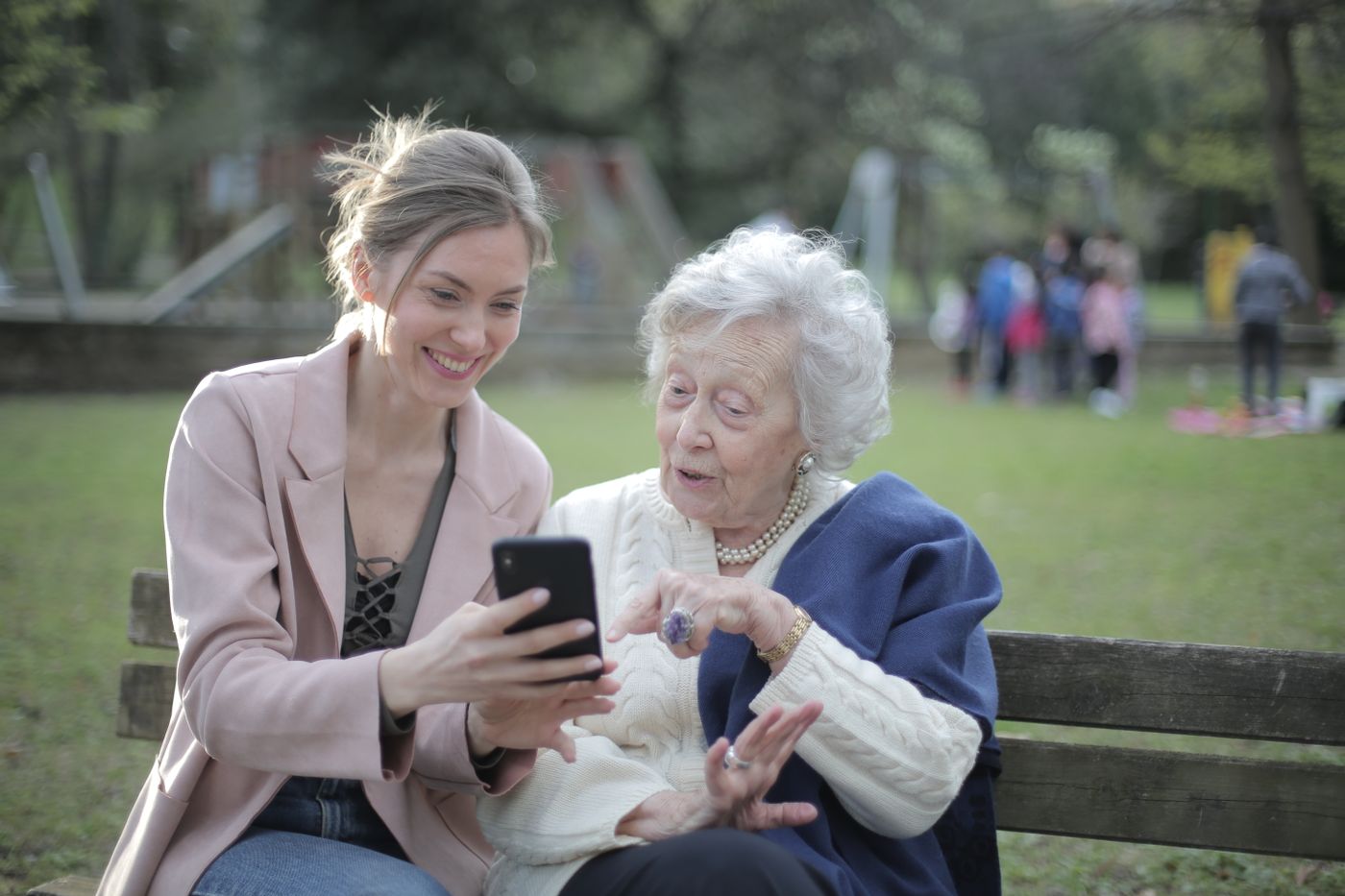
*Photo: Andrea Piacquadio / Pexels (free to use).*
How to talk about privacy with aging parents (without a fight)
Lead with control, not with "we need to watch you."
Privacy resistance is often about autonomy. AARP repeatedly finds older adults want tech that helps them stay home, but not tech that feels designed without them. Use a calm partnership script:
- Name the job: "We want check-ins and reminders, not a camera in your bedroom."
- Show the off switch first: mute, shutter, pause mode, and who holds admin rights.
- Offer zones: shared spaces yes; bathroom never; bedroom only if they ask.
- Time-box a trial: 30 days, written rules, easy exit.
- Put the parent in the driver's seat: they approve who gets alerts.
For fuller conversation scripts, use how to talk to aging parents about a home care robot. Frame the robot as support for aging in place, not as proof the family is spying.
Do not install secret cameras or silent robot modes. Hidden monitoring destroys trust, can conflict with local recording rules, and often fails the first time a parent or aide finds the device. If cognitive decline complicates consent, involve clinicians and legal advisors rather than improvising secret surveillance.
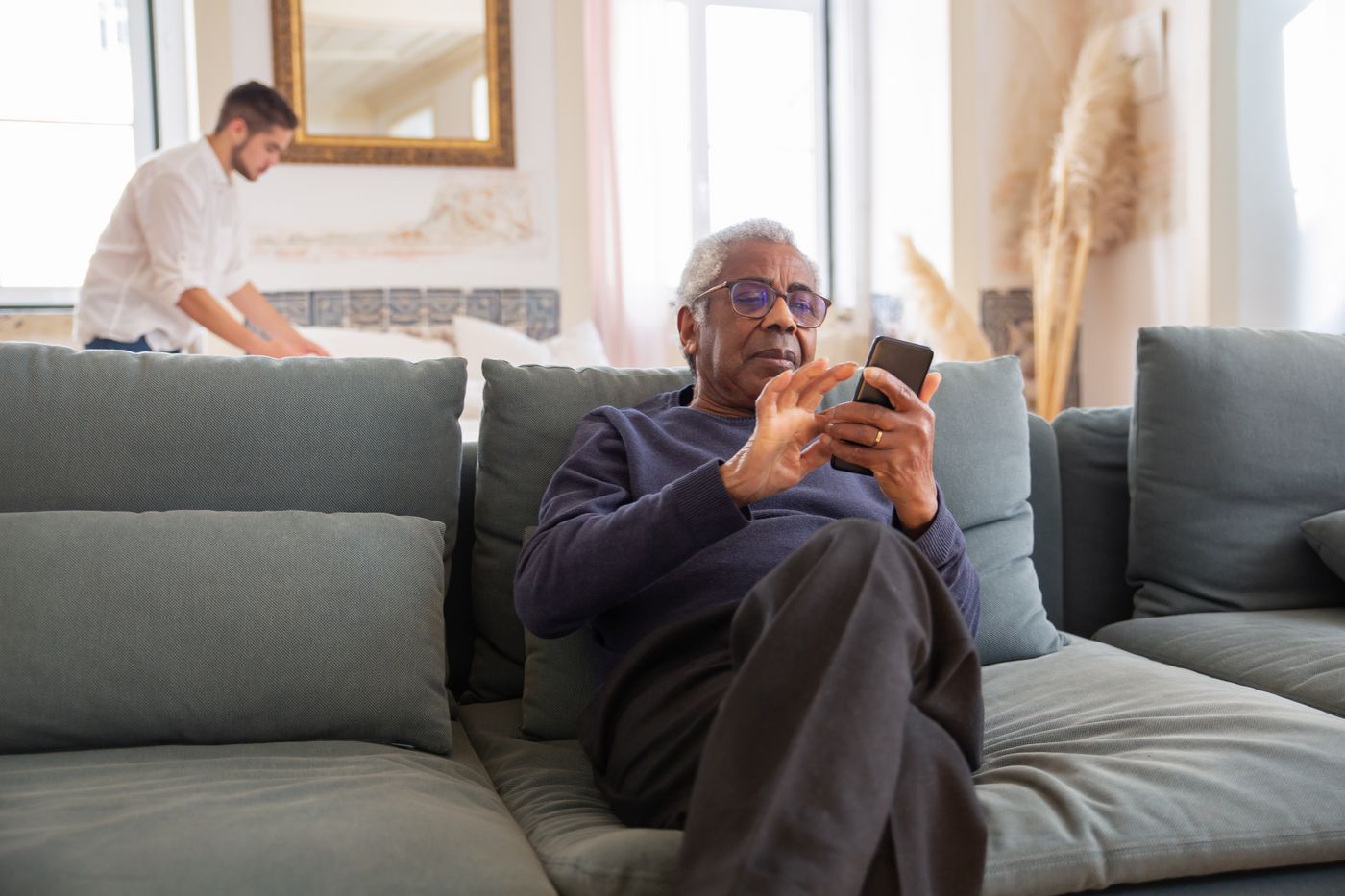
*Photo: Kampus Production / Pexels (free to use).*
Setup-day privacy and security habits that actually reduce risk
Buy the right product, then harden the install. Both matter.
CISA's IoT guidance is still the practical baseline for any internet-connected home device:
- Change default usernames and passwords immediately.
- Prefer strong, unique credentials and enable multi-factor authentication where offered.
- Keep firmware and apps updated; turn on automatic updates when trustworthy.
- Review settings after every major update.
- Ask whether continuous internet connectivity is required for the features you need.
- Disable features you will not use (remote viewing, unused microphones, unused cloud photo upload).
UK NCSC guidance on smart cameras adds a useful family rule of thumb: if you do not need remote viewing, consider turning it off, and do not leave devices on factory passwords (NCSC smart security cameras).
Write a one-page household policy after setup:
- Rooms the robot may enter
- Who receives urgent alerts vs routine summaries
- Quiet hours
- Guest notice script ("We have a companion robot in the living room; sensors can be muted")
- Deletion schedule for old clips

*Photo: Christina @ wocintechchat.com / Unsplash (Unsplash License).*
Red flags: when to walk away from a home robot pitch
Some privacy gaps are deal-breakers for eldercare use.
Walk away or pause if you see:
- No hardware mute or no visible recording indicator
- Cloud video or map upload that cannot be disabled
- Shared "family password" as the only access model
- Remote operator access without per-session approval
- Training on your home data by default with no clear delete path
- Ads, data brokers, or vague "partners" language around care data
- Pressure to put cameras in bathrooms or bedrooms "for safety" as the first recommendation
- No stated security-update window
Safety and privacy are not opposites. A robot that parents refuse to leave powered on helps no one. A narrower, consented setup that the household trusts beats a maximal surveillance stack every time.
*Photo: cottonbro studio / Pexels (free to use).*
Frequently Asked Questions
Is home robot privacy different from smart speaker privacy?
Yes in degree. Speakers mainly hear. Many home robots also see, move, map, and may support remote help sessions. Inventory sensors and remote-access rules, not just the wake word.
Can adult children require a robot if they pay for it?
Paying does not erase the parent's right to refuse sensors in their home. Negotiate roles, try a limited pilot, or choose lower-intrusion tools first.
Should we allow remote video for long-distance caregivers?
Only with the parent's consent, named accounts, and a narrow purpose (for example, missed check-in escalation). Prefer summaries and alerts over always-on viewing when possible.
Where should a companion robot live in the house?
Shared spaces first: living room or kitchen. Keep bathrooms off-limits. Treat bedrooms as parent-gated exceptions, not defaults.
Does a privacy-first robot still help with loneliness or reminders?
Yes. Presence, conversation, and routines do not require shipping continuous bedroom video to the cloud. Match features to the care job. For loneliness context, see how companion robots help lonely seniors at home.
*Photo: Kampus Production / Pexels (free to use).*
Say yes only after the checklist is answered
Home robot privacy is a family decision, not a checkbox on checkout day. Older adults already want helpful home tech and already worry about data. Your job is to turn that worry into specific questions about sensors, cloud uploads, who can watch, consent, and exit rights.
Use the checklist above on every vendor call. Write household rules with your parent. Harden setup with CISA-style basics. Keep humans in the care plan. When a product cannot explain its privacy model in plain English, wait.
If you want a companion-style robot designed around calm presence and family care rather than maximal surveillance, learn more about Rhem, the in-home health companion robot from Rhem Labs.