

In this guide
What is an AI companion for seniors?
An AI companion is software that can hold a conversation, sometimes through a separate device. Products vary in how you start talking, what they remember, and whether they also offer reminders or family contact. The label alone does not tell you which of those jobs a product does.
The examples below illustrate different formats. They are starting points for your own comparison, rather than a ranking based on hands-on testing. Features, service availability, and account requirements should be checked with the provider before ordering.
| Format | What to compare |
|---|---|
| Phone or tablet app | An app such as Pi supports voice conversations on an existing device. Check how your parent opens it, enables the microphone, and hears replies. |
| Telephone service | SeniorTalk advertises conversation through phone calls as well as messaging. Check the number to call, supported country, included minutes, and billing. |
| Smart speaker or display | A Google Nest speaker or display can provide voice features and supported calling methods. Check the exact device, account setup, and services your parent needs. |
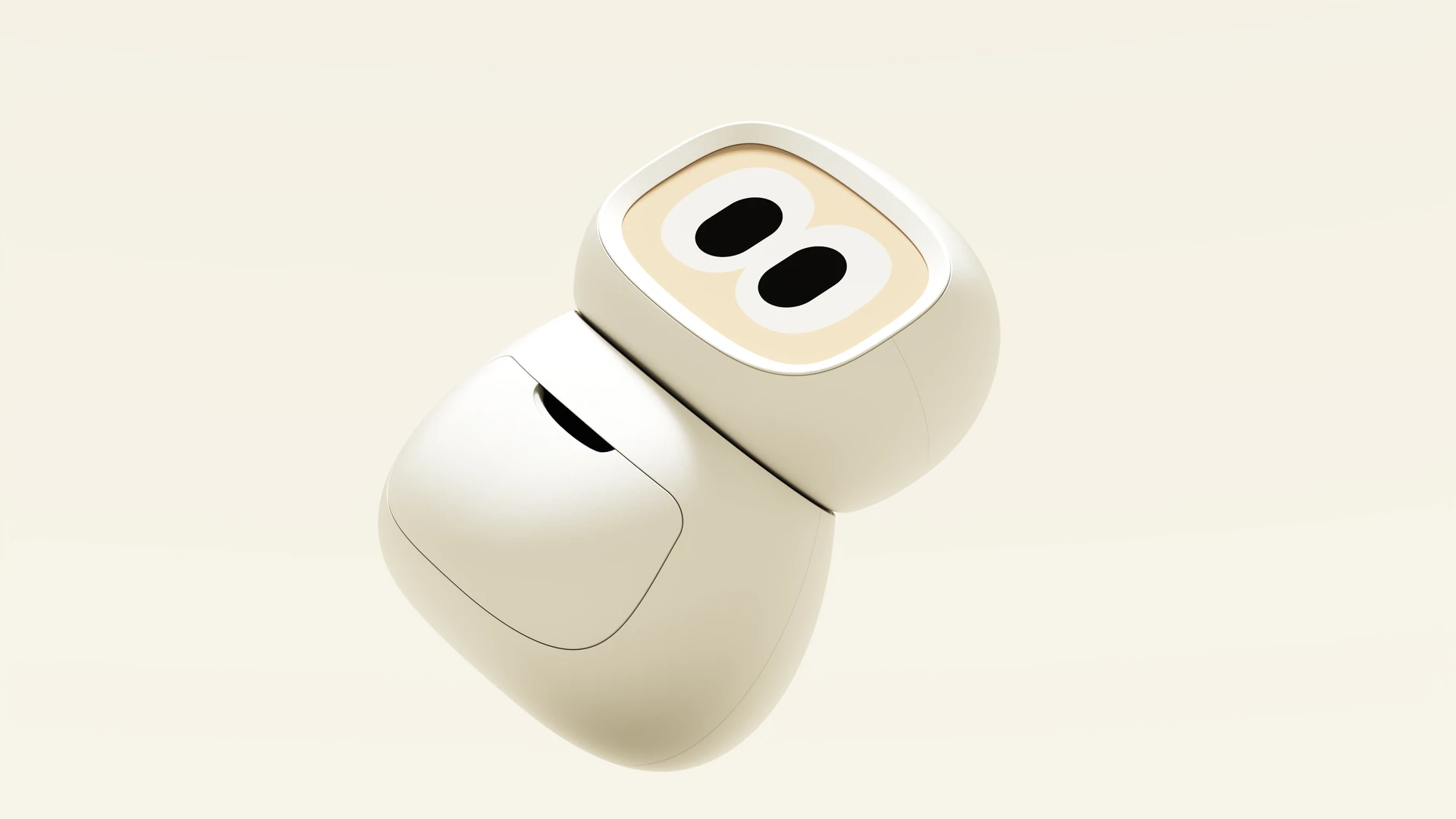
| Dedicated companion device | ElliQ and Sam offer home companions with conversation and other daily features. Rhem is another tabletop option. Compare each product's current capabilities, setup, and service terms separately. |
Choose around a habit your parent already has
Ask where an extra conversation or a little help would fit in their day. Someone who regularly uses a tablet may be happy opening an app. Someone who prefers telephone calls may want to try a number they can save in their contacts. Someone who dislikes screens may prefer speaking to a device in a familiar room.
Try the simplest suitable format before buying more hardware. Watch your parent start the interaction themselves, in their own words. Can they find the control, hear the response, and stop comfortably? Familiarity with a phone does not automatically mean a new app will feel familiar, and a device with fewer controls still needs an introduction.
- Let your parent choose the first use and the place they would use it.
- Check their preferred language and sound settings with the actual service.
- Find out which phone, internet connection, or family account is required.
Separate conversation from getting something done
A pleasant chat, a spoken reminder, and a completed appointment booking are three different things. Make a shortlist of the jobs your parent wants rather than assuming every AI companion includes them. Ask which features are available now and which are planned.
For calls, find out whether the service connects to another app or an ordinary phone number. Google's Nest documentation, for example, lists different calling methods with different country and account requirements. For an errand, ask to see the full result, including any choices, payment approval, or confirmation from the business. An answer about a shop's hours is useful, but it is not a booking.
Agree on privacy before connecting the family
Ask what conversation history is stored, whether it can be deleted, and what any connected family member can see. Review microphone permissions, sharing settings, and account controls together. Make separate decisions about conversation records, messages, and activity updates rather than treating them as one permission.
A family member may be paying for the service, but the person using it should understand those choices. Ask how to pause interactions and withdraw access. If a provider describes wellness insights, ask what they are based on and what action, if any, follows. Keep existing ways to speak with family and professionals in place; a conversational response is not evidence of a diagnosis or that someone has checked on your parent.
- What information does the provider retain?
- Can your parent change what relatives receive?
- How are conversation history and the account deleted?
Compare the complete cost and support
Include any device payment, subscription, included call minutes, and features that require another paid service. A price described as a monthly equivalent may require an annual payment upfront. Check when a trial becomes paid, how renewal works, and whether the hardware must be returned when service ends.
Ask who can help with setup and what happens when the device, app, or home connection stops working. Save a support contact your parent can use. For a trial, make a note of the return deadline before delivery so there is time to try it without rushing the decision.
Use three ordinary requests during a trial
Begin with a topic your parent enjoys, such as a hobby, a recipe, or a place they remember. Let them interrupt and change the subject. Notice whether they like the pace and can correct a misunderstanding without someone else taking over.
Next, try one practical feature the provider says is supported, such as calling a relative or setting an ordinary reminder. Check the result together. Finally, practice stopping an interaction and asking for help when a request cannot be completed. These small trials show where a service fits more clearly than a long demonstration conducted entirely by the seller.
After a few days, ask what your parent has chosen to use again. Their answer matters more than how impressive the first demonstration seemed. Keep the option to change the format or stop using it straightforward.
- A conversation your parent chooses.
- A practical request with a result you can check.
- A mistake or stopped request they can recover from.
Where Rhem fits
Rhem is a tabletop companion for conversation, reminders, family calls and messages, and help using websites or making phone calls. Its connected features require reliable home Wi-Fi. If your parent wants help beyond conversation, compare the specific task they need against the current product details, ordering options, and support.
If you have already decided on a physical device, move on to the robot buying guide. It goes further into the questions to ask about home fit, sharing, ownership, and the complete commitment.
Sources
References checked October 19, 2026.

